A desktop app in the spirit of Aniyomi: one library for your anime and manga, a reader and a video player built in, and progress that syncs to AniList or MyAnimeList.
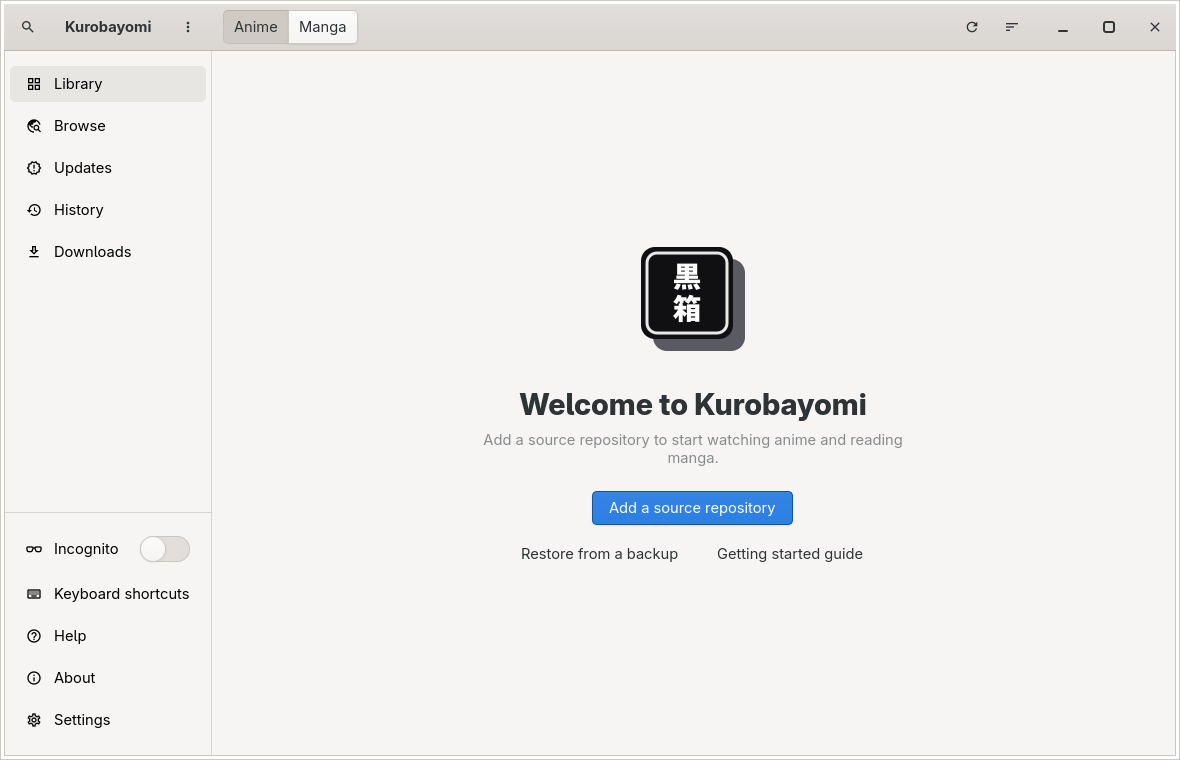
What it does#
- Your own files: drop manga (CBZ, EPUB, image folders) and anime (MKV, MP4) into a folder and they join the library.
- Sources you add: paste a repository link and its sources appear. The app ships with none.
- One search across every source.
- Built-in player on mpv, with quality, subtitles, audio and a Skip button for openings.
- Built-in reader: left to right, right to left or long strip, per title.
- Tracking with AniList and MyAnimeList, updated as you read and watch.
- Imports Aniyomi and Tachiyomi backups.
- Updates itself in the background.
Get it#
- Windows 10 and 11: run the installer. No administrator prompt needed.
- Linux: make the AppImage executable and run it. Needs glibc 2.39 or newer (Ubuntu 24.04, Fedora 40, Arch).
chmod +x Kurobayomi-x86_64.AppImage
./Kurobayomi-x86_64.AppImage